 |
 |
|
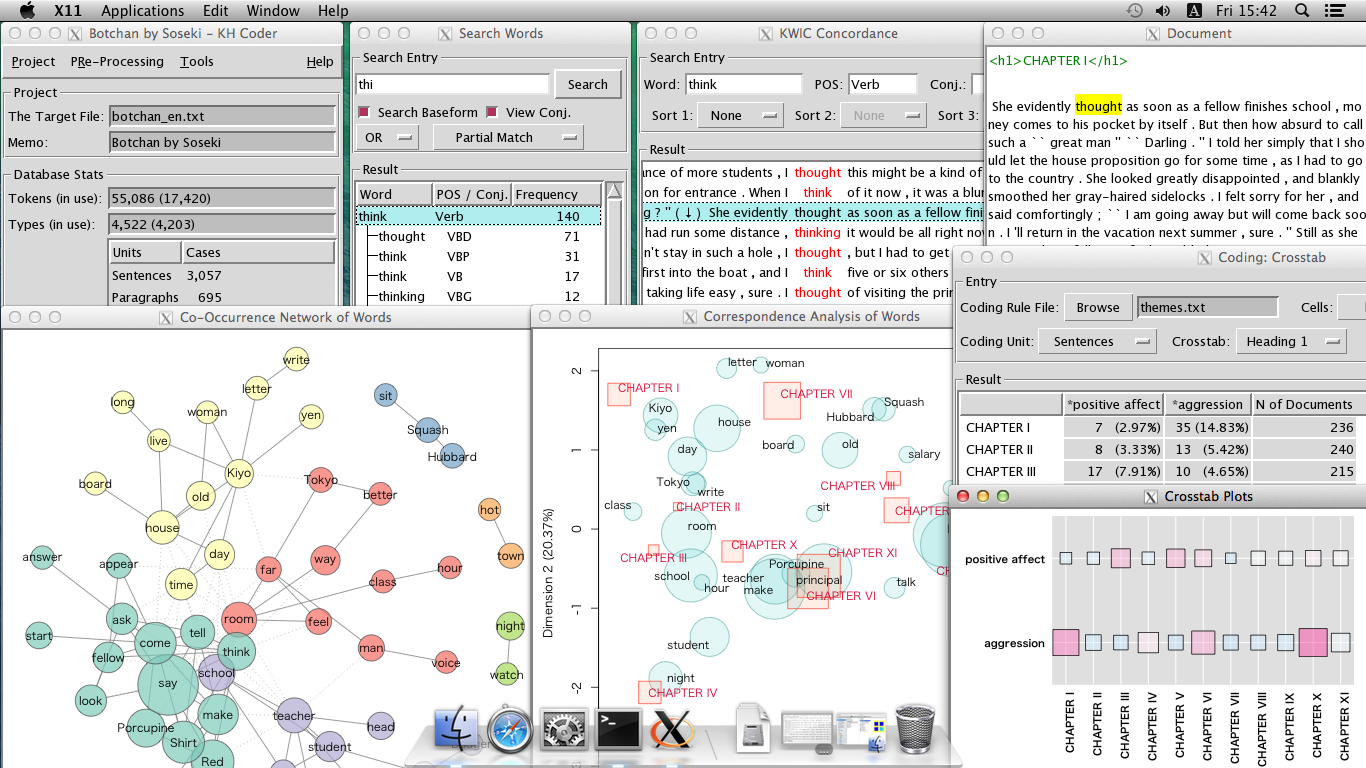
I provide KH Coder 5 Mac Edition for $99 USD.
Before buying it, please read following instructions carefully.
Usage
Requirements:
- Apple silicon Mac (M1 or later)
- macOS 11 (Big Sur) or later
- 5 GB of available disk space
First launch (important):
Because this app is not notarized by Apple, a one-time approval in System Settings is required the first time only.
- Double-click "KH_Coder.app". A "cannot be opened" message appears, click "Done".
- Open the Apple menu → "System Settings" → "Privacy & Security". Near the bottom, under "Security", you'll see a message like KH_Coder was blocked…'. Click the "Open Anyway" button next to it.
- Authenticate with your password (or Touch ID), then click "Open" in the confirmation dialog.
→ From the second launch onward, just double-click as usual.
Where to buy
You can buy it here: Support Services for KH Coder Users (Gumroad.com)
You have to read and accept the license below before buying it.
- This automatic setup software is not a free software. And you cannot redistribute this software.
- You have to buy as many copies of this software as the number of computers you would like to use it on.
- This software is provided "as is" without warranty in any kind. The provider of this software is not liable to you for damages including any general, special, incidental or consequential damages arising out of the use or inability to use this software.